
Add a Binance Referral Code After Signup: 30-Day Rule
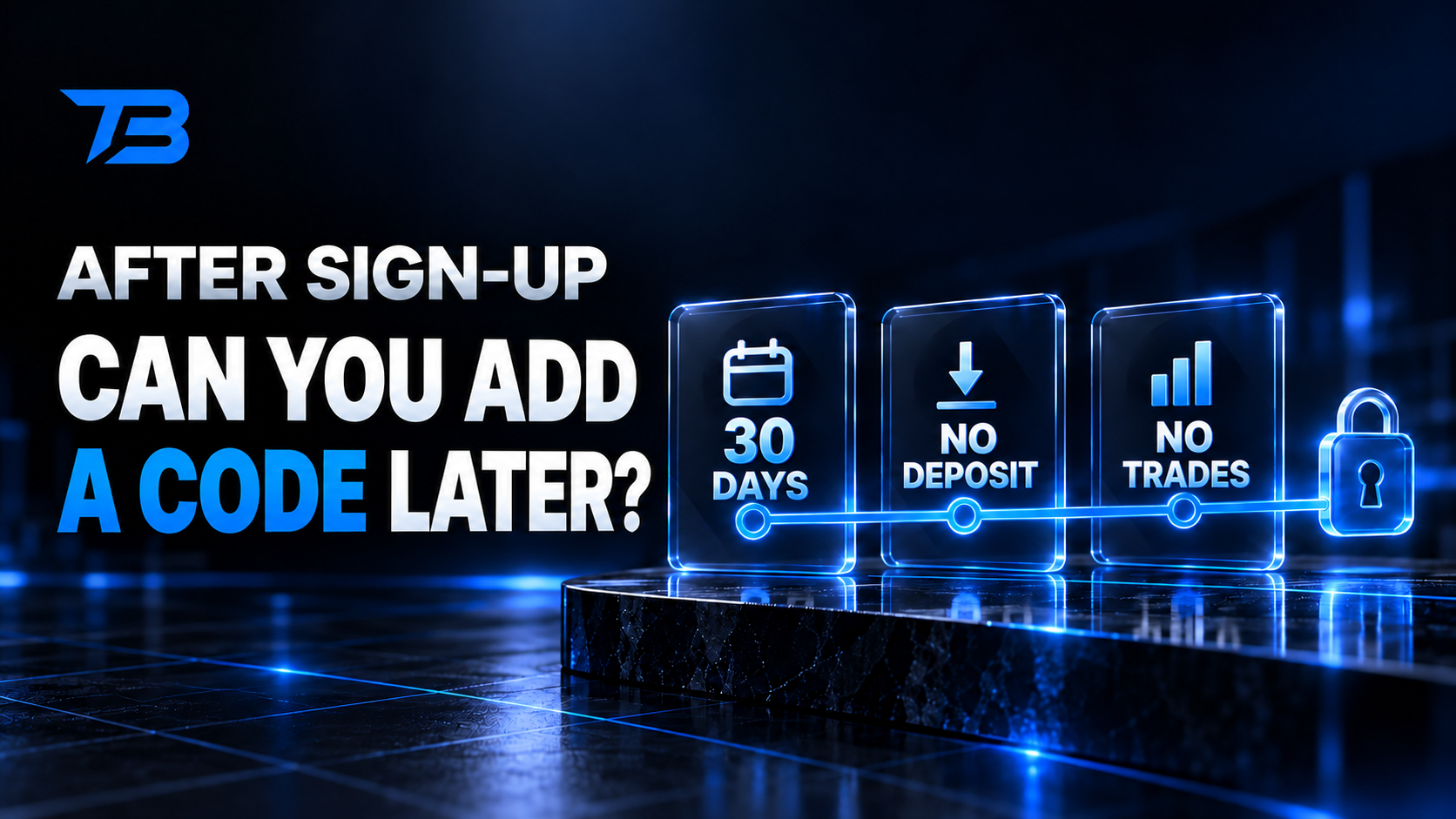
Table of contents
Can You Add a Binance Referral Code After Signup?
Forgot the referral field when you created your Binance account? The old one-word answer was “no.” Binance's current Referral Pro FAQ now gives some new, inactive accounts a limited path to bind a code after registration.
Quick answer: You may be eligible if the account is less than 30 days old, has no deposit or trading activity, and has no existing referral relationship. Every listed condition has to be met.
If you haven't registered yet, don't create the problem first. Sign up through JOINTB, then return to TradeBoost and connect the account.
2026 TradeBoost new-member offer: Join TradeBoost by Dec 31, 2026 and link your account to qualify for 90% fee payback on eligible trading fees.
Table of Contents
- Who can add a code after registration?
- Which conditions does Binance list?
- How do you try the late-binding process?
- What if you already deposited or traded?
- Can you change an existing referrer?
- FAQ
Who can add a code after registration?
Binance calls this referral binding. It's an exception for a narrow group of accounts, not a general code-edit feature.
Your best chance is a newly created parent account that hasn't been used yet. If the account already has a referrer, a deposit or a trade, the standard route won't apply.
Which conditions does Binance list?
Binance's Referral Pro FAQ says all of the following must be true:
| Requirement | What it means in practice |
|---|---|
| Within 30 days | More than 30 days have not passed since registration |
| No referral relationship | No Referral Lite or Pro inviter is already attached |
| No deposit activity | You haven't funded the account |
| No trading activity | You haven't placed an eligible trade |
| Parent account | It isn't a sub-account |
| KYC not reused within 180 days | The identity hasn't been used on another account in that period |
| No wash-trading flag | Binance hasn't flagged the account for artificial trading activity |
Failing one item can make the account ineligible.
How do you try the late-binding process?
- Sign in to the account you just created.
- Open Binance's official Referral Pro binding page from its Referral Pro FAQ.
- Enter referral ID JOINTB if the binding option is available.
- Review the displayed relationship and benefit.
- Confirm only if the code and terms are correct.
The exact menu can change by region or app version. If the binding link says your account isn't eligible, Binance Support is the right place to confirm why.
TradeBoost referral details
ID: JOINTB
Eligible Spot fee discount: 20%
Eligible Futures fee discount: 10%
Open the standard registration link
What if you already deposited or traded?
The official late-binding checklist requires no deposit and no trading activity. If you've done either, don't assume Support can override the rule.
Don't close the account and open another one just to chase a referral benefit. Binance says it may terminate commissions and rebates when it detects an account was closed and recreated for referral benefits.
You can still review the fee options available to your existing account. BNB fee-payment discounts, VIP tiers and product-specific promotions are separate from changing a referral relationship.
Can you change an existing referrer?
No. Binance says that once the referral relationship is established, it can't be changed or removed. The late-binding route only covers eligible accounts with no current referral relationship.
This is why it's better to inspect the referral field before completing registration. With the TradeBoost path, confirm referral ID JOINTB, the 20% Spot benefit and the 10% Futures benefit on the screen.
FAQ
Can I enter a Binance referral code one day after signup?
Possibly. You still need to meet every condition, including no deposit, no trade and no existing referral relationship.
Can I add a code after making a deposit?
Not through the standard Referral Pro late-binding route. Binance lists no deposit activity as a requirement.
Can I replace the referral code already on my account?
No. An established referral relationship can't be changed or removed.
Should I create another account?
Not to bypass referral rules. Binance warns that closing and recreating accounts for referral benefits can invalidate commissions and rebates.
If you haven't created an account yet, use the simpler route: open Binance with referral code JOINTB, finish registration, then join TradeBoost and connect Binance by Dec 31, 2026 to qualify for 90% fee payback on eligible trading fees. It's easier than trying to repair a missed referral after the account is active.
Related TradeBoost guides: Binance referral code and benefits · How to create a Binance account · How to check whether your code was applied
Official source checked 27 October 2026: Binance Referral Pro FAQ, questions 4–7.
Affiliate and risk note: TradeBoost may receive a commission. Referral benefits follow Binance terms and can vary by region. Crypto trading involves loss risk.
What TradeBoost is
TradeBoost is a third-party affiliate-rebate service that returns a portion of exchange affiliate commissions to users as USDT on Arbitrum One. TradeBoost is not an exchange, broker, custodian, or investment service, and does not provide trading, custody, or financial advice.
General disclaimer
This article is for informational purposes only. All trading occurs on third-party exchanges under their terms. Trading and investment decisions should be made based on your own judgment and risk tolerance.
Related articles
 exchange-guides
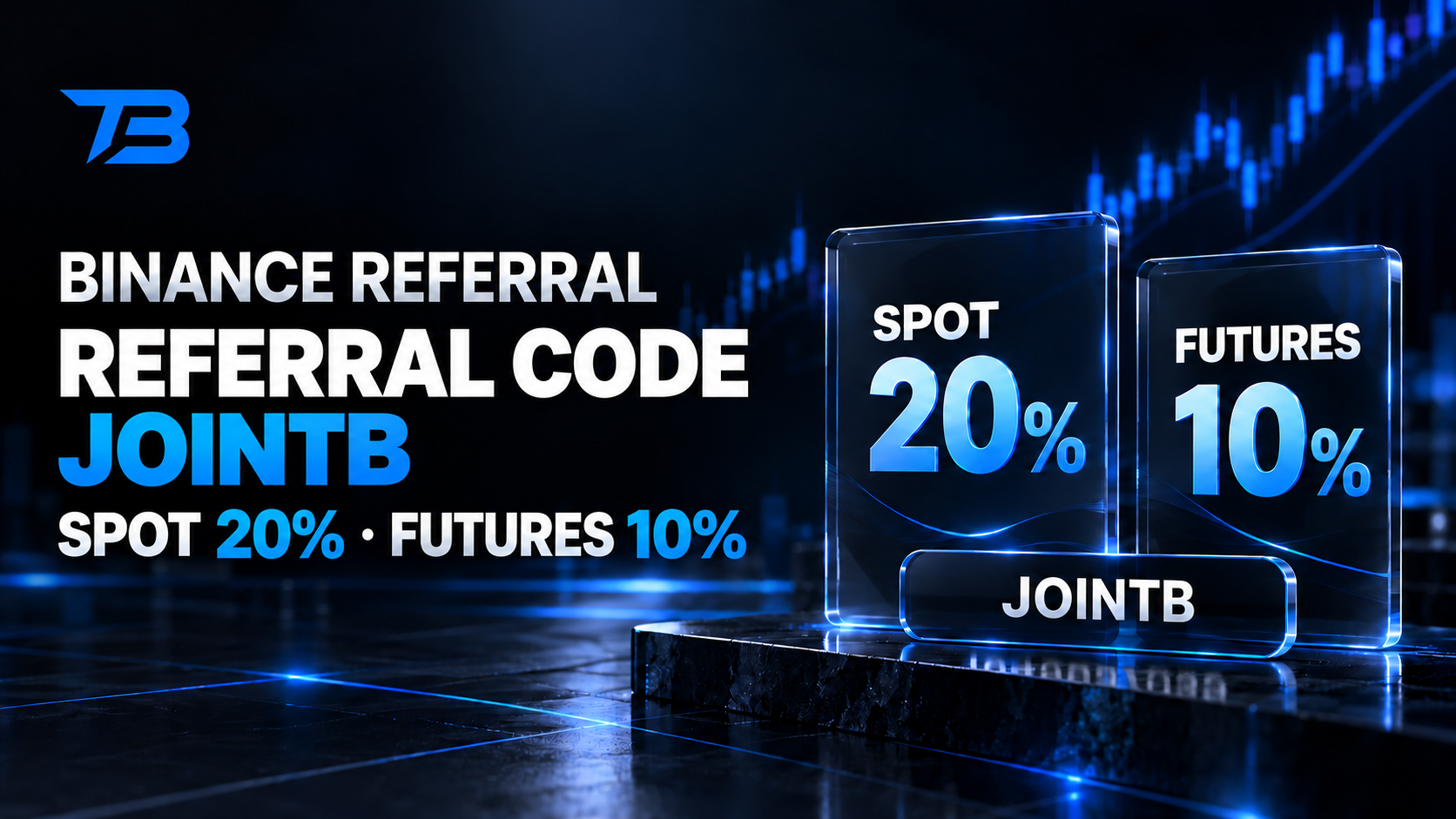
Binance Referral Code JOINTB: 20% Spot, 10% Futures
Use Binance referral code JOINTB and check the 20% Spot and 10% Futures fee discounts before signup. See how the code, Referral Pro, and rewards work.
 exchange-guides
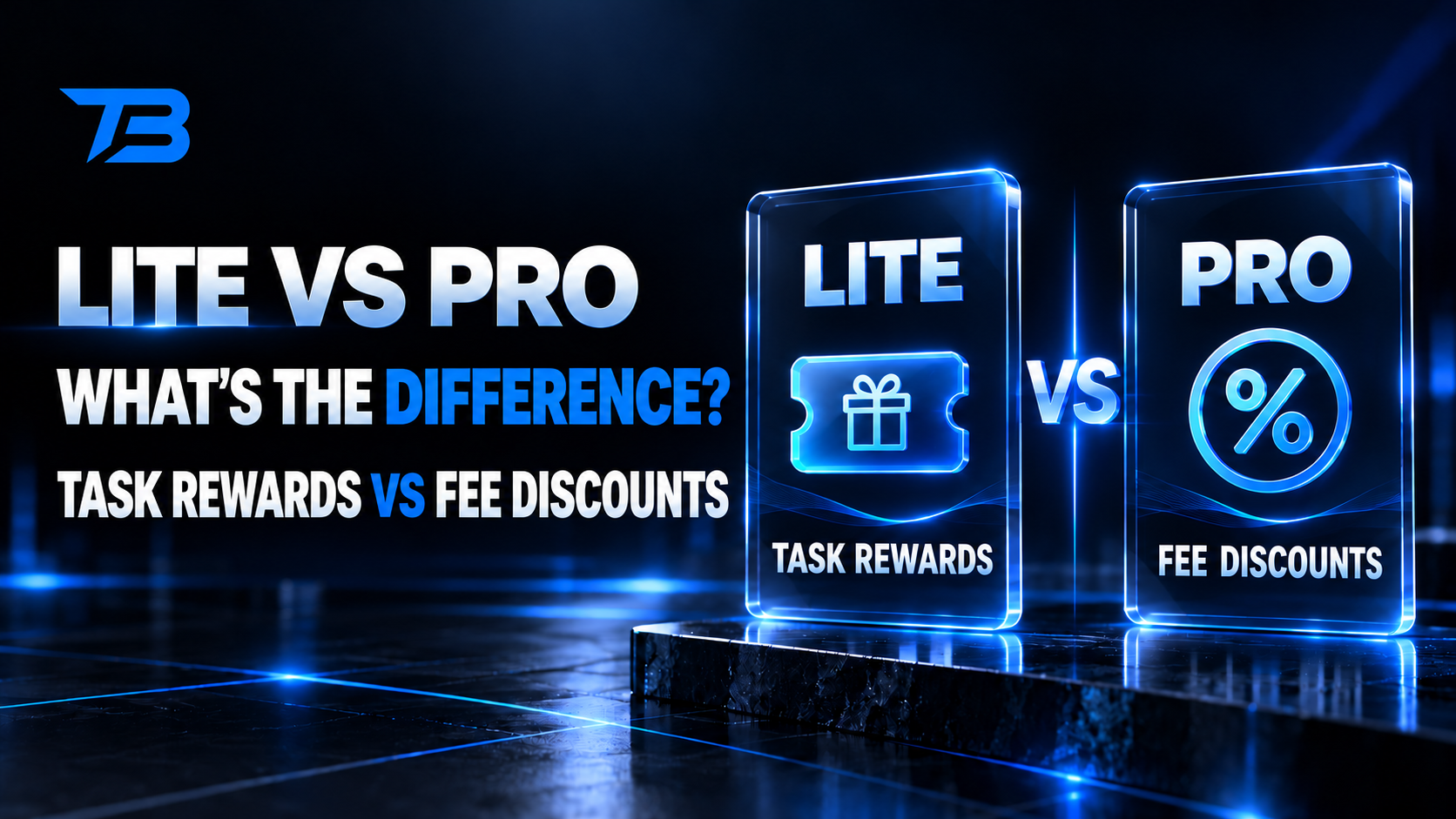
Binance Referral Lite vs Pro: Rewards and Fee Discounts
Referral Lite uses one-time task rewards. Referral Pro connects eligible trading fee rebates. Compare both before using a Binance referral code.
 exchange-guides
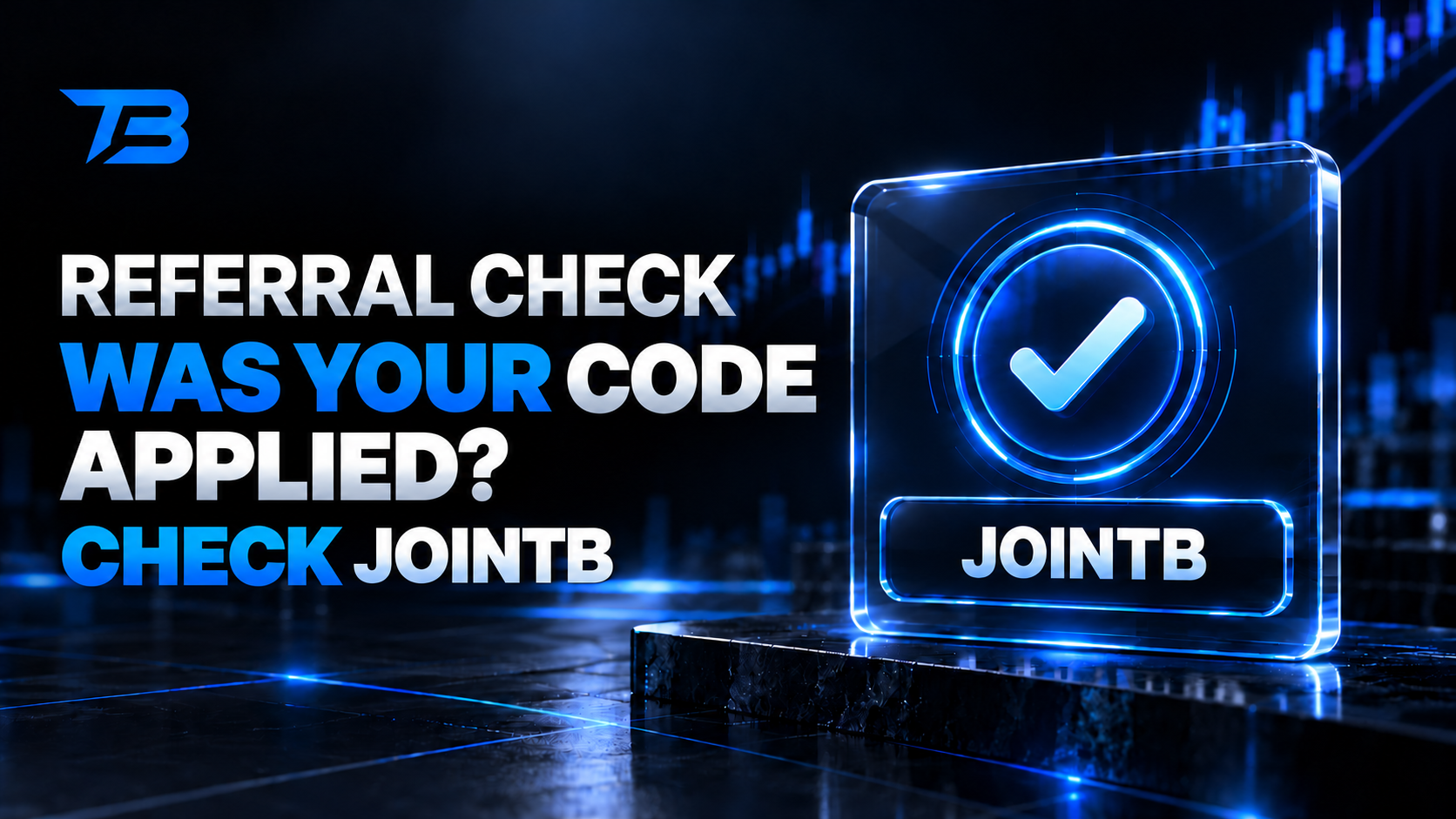
How to Check If a Binance Referral Code Was Applied
Check your Binance referral ID before signup, verify the displayed rebate, and learn what to do if code JOINTB is missing after registration.