
Binance Asset Seizure: Can You Still Withdraw?
Table of contents
You see a $1.2 billion seizure headline and open your Binance account. Can you withdraw your funds? The answer depends on what the exchange shows for your asset, network, and account.
✅ The U.S. Justice Department announced court-authorized action covering more than $1.2 billion in stolen Binance crypto on November 12. Check your live withdrawal screen for the status that applies to you. Justice Department release
What exactly did authorities announce? 🔎
The department said public and private sector efforts had frozen more than $2.7 billion. The more than $1.2 billion covered by court-authorized seizure or restraint was part of that figure. Adding the two would count part of the same assets twice.
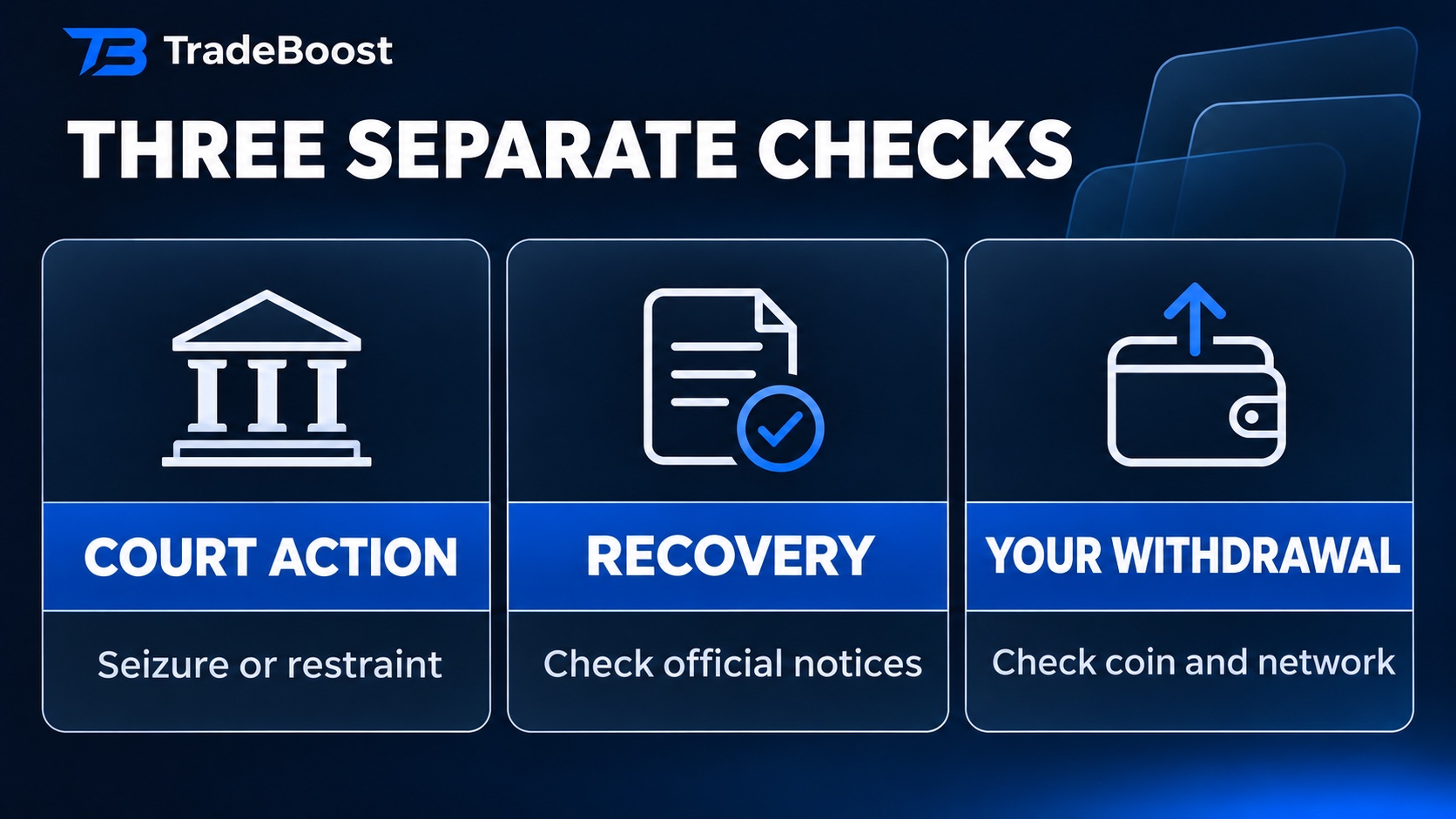
In a civil dispute, a court can restrict assets so they can't be moved while legal proceedings are underway. Finding out who receives them, and when, takes separate steps. For an exchange user, an announcement about seized funds and an account credit are two different records to look up.
How can you check a withdrawal? ✍️
- Open Binance directly. Use your official app or saved website address. Go to the withdrawal screen and select the asset.
- Match the network on both sides. A withdrawal route needs to be available on Binance and supported by the receiving wallet or exchange. Check the asset and network together.
- Read the reason shown on your account. Maintenance for a network and a verification hold on your account call for different follow-up. If you've already submitted a withdrawal, look in your transaction history before submitting another.
- Use official support for unresolved holds. Have your withdrawal reference ready. Keep passwords, verification codes and recovery phrases private. Binance Support
What if someone messages you about reimbursement? 🛡️
Open the app yourself and look for the same notice there. A message promising priority reimbursement in exchange for a transfer or a code is a reason to stop and check with official support. Use the account's own records to verify any credit or status change.
The fastest way to get a useful answer is to have the exact asset, network and status message in front of you. A headline tracks the legal action. Your withdrawal screen tracks the transaction you're trying to make.
This article describes the November 12 announcement. Exchange and network status can change.
What TradeBoost is
TradeBoost is a third-party affiliate-rebate service that returns a portion of exchange affiliate commissions to users as USDT on Arbitrum One. TradeBoost is not an exchange, broker, custodian, or investment service, and does not provide trading, custody, or financial advice.
General disclaimer
This article is for informational purposes only. All trading occurs on third-party exchanges under their terms. Trading and investment decisions should be made based on your own judgment and risk tolerance.
Related articles
 exchange-guides
Binance Sign Up 2026: JOINTB Spot 20% / Futures 10% Off
Sign up with Binance referral code JOINTB: 20% off eligible Spot fees and 10% off eligible Futures fees. Includes KYC and TradeBoost linking steps.
 trading-fees
Binance, Bybit, OKX & Bitget Fees 2026: Rates & Discounts
Compare Binance, Bybit, OKX and Bitget Spot and Futures fee references, then check TradeBoost referral discounts, round-trip costs and cashback bases.
 exchange-guides
Binance Referral Code JOINTB: 20% Spot, 10% Futures
Use Binance referral code JOINTB and check the 20% Spot and 10% Futures fee discounts before signup. See how the code, Referral Pro, and rewards work.