
Why Did My Limit Order Pay a Taker Fee?
Table of contents
You chose a limit order because you expected the maker rate. Then the receipt showed a taker fee. The fee can make sense once you look at what was already waiting in the order book.
✅ A limit sets a price boundary. Your fee can depend on whether your fill took an existing order or waited for someone to match yours.
When does a limit order take liquidity? 🔎
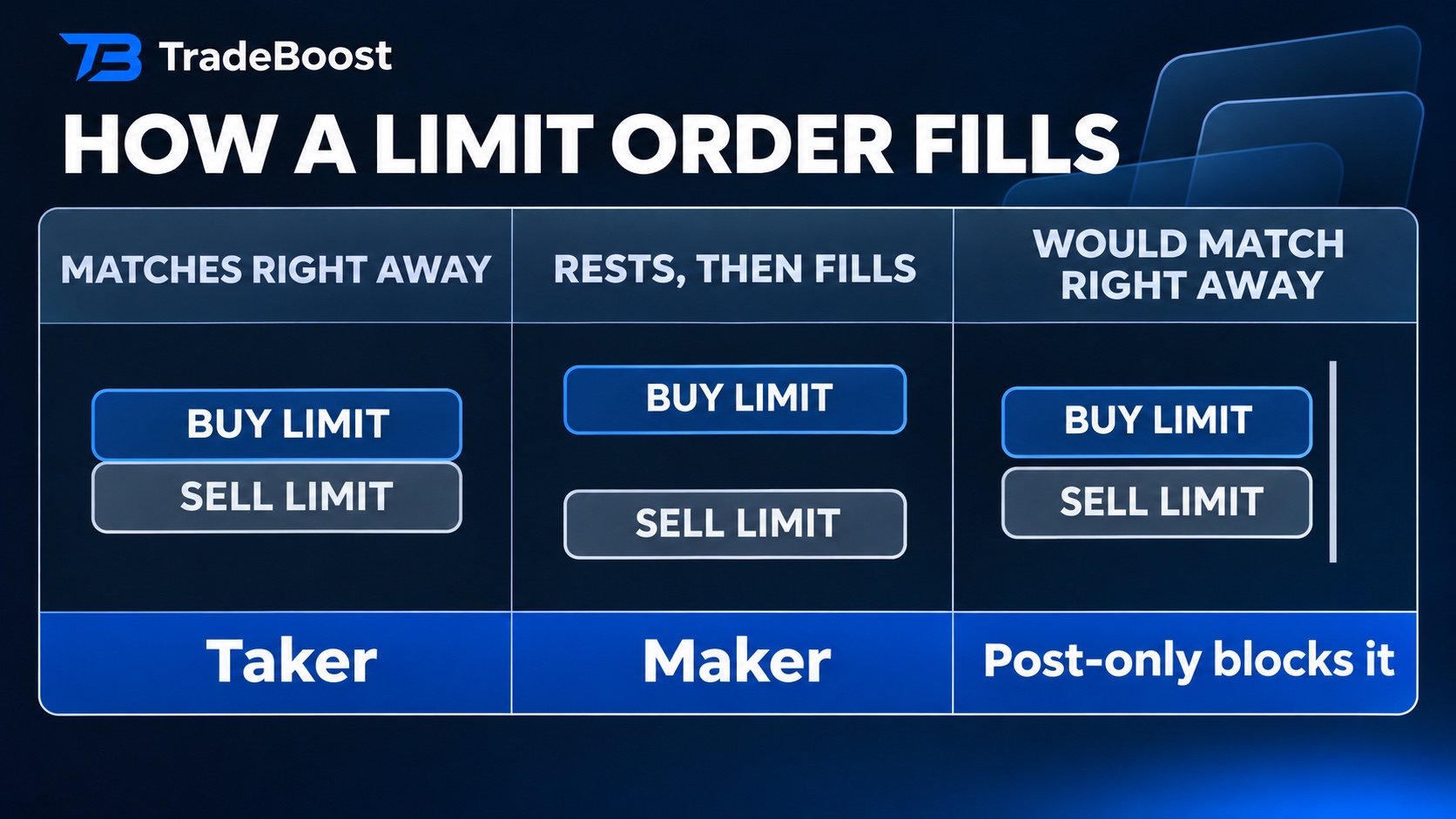
The order book is the list of prices people are waiting to buy or sell at. Suppose the cheapest seller is asking $50. You put in a buy limit at $51. Your instruction allows you to buy at $51 or better, so the order can immediately match the existing $50 offer.
That fill uses liquidity someone already put on the book. You're the taker for that fill. If your order joins the book and another trader later hits your price, your resting order supplies the liquidity. That fill is maker. A buying limit below the cheapest sell offer is one common way a buy order ends up waiting.
Can a single order have both fee types? 📊
Say you place a limit to buy 10 units at $50 and sellers have 4 units waiting there. The first 4 fill immediately. Suppose the remaining 6 stay in the book and fill later. Using illustrative rates of 0.06% taker and 0.02% maker, you'd get two separate fee amounts.
| Fill | Value | Illustrative fee |
|---|---|---|
| 4 units matched immediately | $200 | $0.12 |
| 6 units matched after resting | $300 | $0.06 |
| Total | $500 | $0.18 |
Your account's rates may differ. The example assumes the remaining quantity can rest. Some order instructions cancel the unfilled amount instead.
What happens when you turn on post-only? ✍️
On Bitget, a post-only order is designed to sit on the order book. If it would match right away, Bitget says it cancels. When the price is moving, that can happen even if the order would have rested a moment earlier. Bitget order types
Think of post-only as leaving an offer on the table for someone else to accept. If your priority is speed, weigh the cost of waiting or missing a fill alongside the rate difference.
Where do you check the actual charge?
Open your fills, sometimes called trade history. Start with the one that posted the unexpected fee.
- Note how much executed and whether the receipt labels the fill maker or taker.
- Check the fee currency. Compare it with the execution value in the same currency before calculating a rate.
- Open the venue's fee schedule for the product and your tier. If you need context for another exchange, our four-exchange trading fee comparison shows how to compare equivalent fills.
Once you've read the receipts separately, you can tell whether a fee came from the first immediate match, a later fill, or a difference in the fee schedule you expected. The fixed price in your order ticket answers only part of that question.
The rates above are illustrative. Check venue rules and fees for your specific product.
What TradeBoost is
TradeBoost is a third-party affiliate-rebate service that returns a portion of exchange affiliate commissions to users as USDT on Arbitrum One. TradeBoost is not an exchange, broker, custodian, or investment service, and does not provide trading, custody, or financial advice.
General disclaimer
This article is for informational purposes only. All trading occurs on third-party exchanges under their terms. Trading and investment decisions should be made based on your own judgment and risk tolerance.
Related articles
 trading-basics
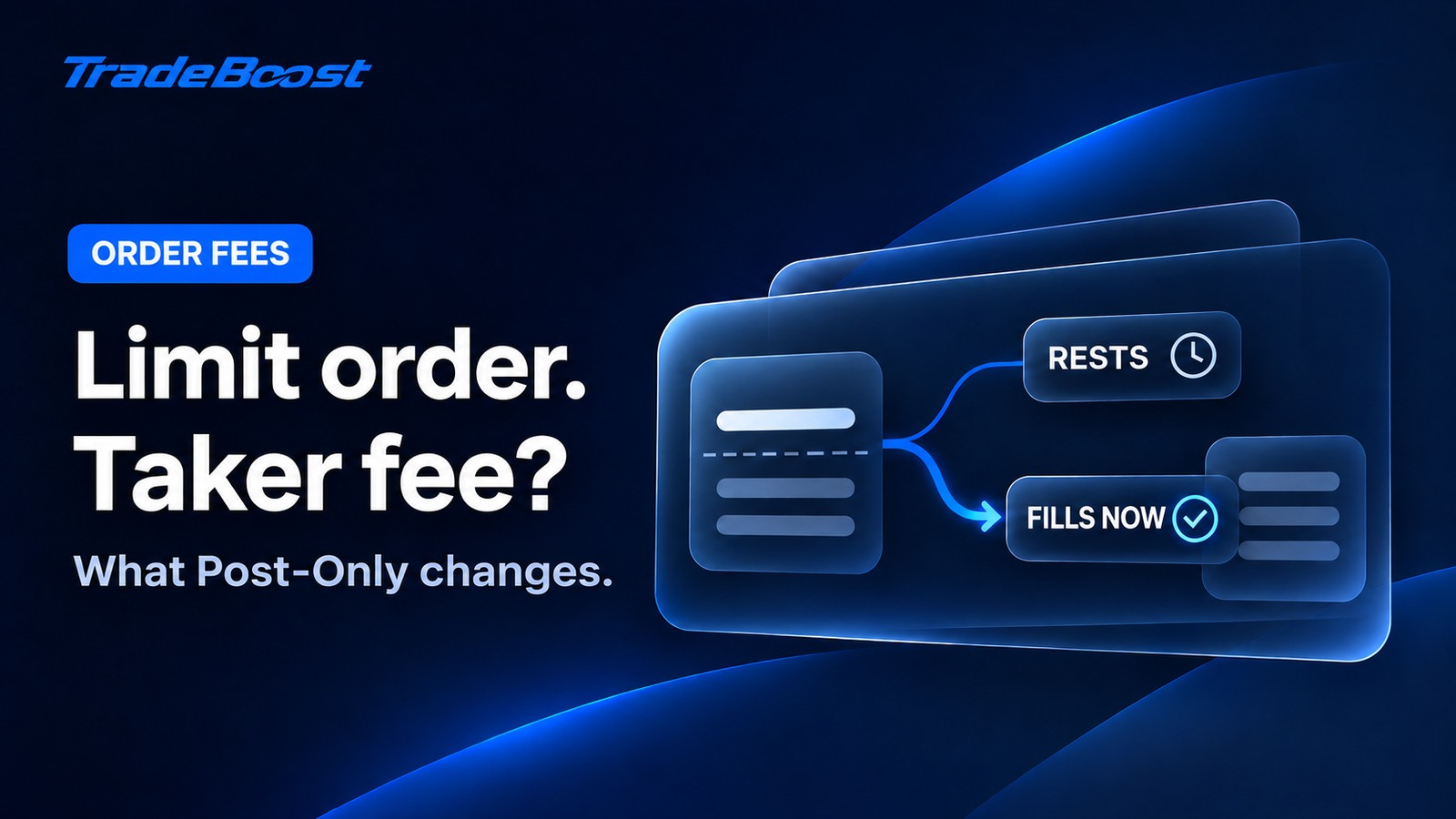
Why Your Limit Order Paid Taker Fees: Post-Only Explained
A limit order can still pay taker fees. See how Post-Only works, why orders get canceled and how to check the role and fee on each fill.
 trading-fees
Binance, Bybit, OKX & Bitget Fees 2026: Rates & Discounts
Compare Binance, Bybit, OKX and Bitget Spot and Futures fee references, then check TradeBoost referral discounts, round-trip costs and cashback bases.
 exchange-guides
Bitget’s Two 20% Fee Discounts: Which One Applies?
Bitget’s BGB spot fee discount and TradeBoost’s 20% referral offer cover different trades. See who qualifies and what to check before signup.