
Bitget vs Bybit vs OKX: Before You Sign Up
 TradeBoost Editorial LinkedIn 12 min read #exchange-guides #registration #kyc #referral #crypto-education
Table of contents
Trying to choose between Bitget, Bybit, and OKX before you create an account? Start with the account you can actually use.
A welcome offer can't answer that question. Neither can a screenshot showing someone else's trading fees. Your country, identity documents, funding route, and intended product all matter before a referral code does.
This Bitget vs Bybit vs OKX comparison follows the order a new user should check those details. It doesn't name a universal winner or assume every reader can access the same services.
Checked October 28, 2026. Regional rules and account screens can change.
What should you take away first?
The quick answer ✅
- Check your eligibility for the specific regional service before registering.
- Treat account creation, identity verification, and access to a product as separate checks.
- Compare referral conditions before submitting the registration form.
- Match the asset and network before making a crypto deposit.
- Compare the fees your account will actually pay, rather than the largest advertised reward.
Think of choosing an exchange like choosing a bank account before moving your salary. A welcome gift matters less than whether the account supports your needs.
A practical check 📊
How do the three sign-up routes compare?
The table below compares documented onboarding steps. It doesn't compare investment returns, solvency, execution quality, or the suitability of leveraged trading.
| Check | Bitget | Bybit | OKX |
|---|---|---|---|
| Registration route | Official app guide describes email or mobile registration | Official guide lists regional routing and available sign-up methods | Official guide starts with your country or region |
| Referral field | Optional in the cited app guide | Optional; check it before submitting | Optional in the cited registration guide |
| Identity check | Bitget states identity verification is mandatory | Bybit states at least Standard verification is mandatory for its products and services | Complete the verification required by your regional account |
| Funding check | Confirm the coin, supported network, and deposit instructions | Check the supported asset, chain, and account instructions | Confirm asset, network, minimum, and any tag or memo |
| Decision to make | Can you complete this account's requirements? | Are you using the correct regional service? | Does the regional account support your intended activity? |
Sources: Bitget registration, Bitget identity verification, Bybit registration, Bybit KYC FAQ, and OKX registration.
A row saying “optional” means a code isn't required to create the account. It doesn't mean the code can be added whenever you like.
Can you use the exchange where you live?
Start on the official service for your actual country and read the eligibility information. Don't copy a country selection from a tutorial.
Bybit's registration guide says your country selection can trigger a regional redirect or a restricted-country notice. An article about its global service therefore doesn't describe every reader's experience. Bybit registration guide.
Apply the same care to Bitget and OKX. A brand name alone doesn't identify the legal entity, available products, or requirements shown to you.
Write down the exact domain and regional entity displayed during onboarding. If a guide and your account disagree, use the current account instructions and ask official support about the difference.
You also need a product check. Being able to register doesn't establish that a particular derivatives contract, payment method, or promotion is available to you.
Don't use a VPN, someone else's details, or an inaccurate address to get past an eligibility restriction. If you can't use the service under its terms, remove it from your shortlist.
What does identity verification actually involve?
A term worth knowing ✍️
KYC means Know Your Customer. It's the identity-check process used to confirm who is opening an account. Follow the document and capture requirements shown to you.
Don't confuse confirming your email with completing KYC. The first proves access to an inbox. The second asks you to establish your identity.
Before you begin, check that your documents are valid and that your account details match them. Find a place with enough light for any required camera capture.
Your preparation checklist should include a supported original document, access to your registered contact methods, and a device you control. Don't send an identity document to a person claiming to be a referral agent.
For planning, set aside time for both submission and review. A form that takes several minutes to complete doesn't guarantee approval within several minutes.
If verification fails, read the exact reason before retrying. A blurry image, unsupported document, and existing verified account are different problems.
Creating several new accounts won't necessarily solve an identity issue. Use account recovery or official support where the platform indicates an existing account.
Should you choose a referral code before signing up?
Yes, if you want to use an eligible offer. Check its conditions before you create the account, while you can still review the registration details.
Bybit's account FAQ says referral codes can't be added, removed, or changed after registration. OKX's referral FAQ says the relationship usually can't be added or changed after account creation. Bybit account FAQ, OKX referral FAQ.
Don't extend those statements into an unsupported universal rule for every exchange or campaign. For Bitget, confirm the current offer's attribution terms directly.
Separate four questions: Is the code valid? Is the account eligible? What action qualifies? What reward does the user receive?
A link that opens successfully answers none of those questions by itself. Read the landing-page terms and inspect any code displayed in the registration flow.
Keep a private record of the offer date and conditions. Avoid saving passwords or verification codes alongside it.
If the terms are missing, stop evaluating the headline amount. You can't compare a benefit accurately when its requirements aren't available.
Is a welcome bonus the same as cashback?
No. A welcome bonus is a promotion tied to specific tasks. Cashback describes a return of part of eligible fees under a separate arrangement.
A referral code identifies an attribution relationship. It isn't itself a reward, and it doesn't establish the value or availability of either benefit.
Check the reward's form. A trading credit, voucher, token payment, and withdrawable balance can behave differently under their terms.
Also check whether offers can be combined. Don't add two advertised percentages together unless the relevant terms explain how they interact.
Here's a fictional comparison: Offer A displays a 100-unit reward requiring activity you hadn't planned. Offer B displays a smaller benefit tied to your existing needs.
The larger number isn't automatically the better choice. Compare the required spend, product exposure, withdrawal restrictions, and expiry before assigning either offer a value.
You don't need to trade to “complete” registration. Keeping account setup separate from promotional tasks makes that distinction easier to maintain.
Which fees should you compare?
Use the same product, account tier, and execution assumption on each side. A spot trading rate shouldn't be compared with a futures rate.
A maker fill adds a resting order to the order book. A taker fill executes against available orders. The actual execution determines the classification.
For a simple hypothetical, 1,000 units of executed value at 0.1% costs 1 unit. At 0.08%, it costs 0.8 units.
Those are arithmetic inputs, not quotes for these three exchanges. A real comparison needs the rates applicable to your own account and pair.
Keep deposit-method charges, withdrawals, conversion costs, and any perpetual-contract funding separate. Don't describe a trading commission difference as the entire cost of using an exchange.
For example, moving funds repeatedly to pursue a small rate difference introduces transfer costs. Record those before deciding the move has saved money.
You can use our trading-fee calculation guide to organize the figures. Don't increase trading just to qualify for a tier.
How should you compare the first-deposit experience?
Check the receiving account before looking for a cheap network. The selected asset and network must be supported at both ends of a crypto transfer.
A network is the blockchain route carrying the transfer. A matching token ticker doesn't establish a matching route.
An address is only part of the instructions. Some transfers also require a tag or memo, which identifies the recipient within a shared address system.
OKX's deposit guide specifically calls out matching the asset and network, checking minimums, and supplying a tag or memo where required. OKX deposit guide.
Read equivalent instructions on Bitget or Bybit when that's your receiving platform. Don't reuse an old address without checking the current deposit screen.
If you choose a test transfer, make sure the net amount meets the receiving minimum. An arbitrarily tiny test can fail to qualify for credit.
Keep the transfer reference and wait for the required confirmations. A sending platform's “completed” status doesn't necessarily mean the receiving account has credited the deposit.
If a promotion is involved, confirm its separate enrollment and qualifying-deposit rules first. A technically successful transfer may still fall outside a campaign's terms.
What should a useful comparison worksheet contain?
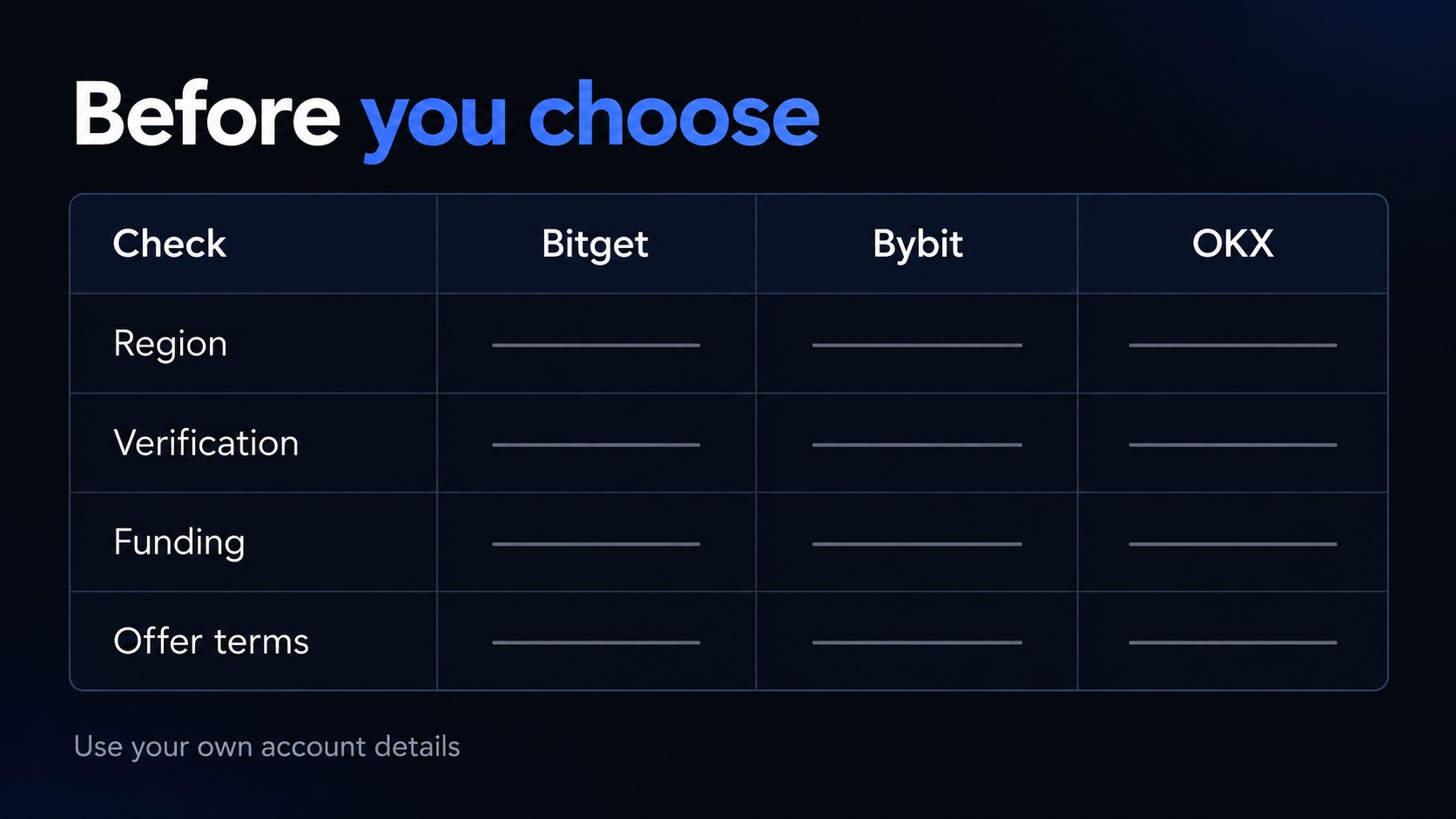
Create one row for each exchange you're eligible to use. Keep “unknown” separate from “no” so missing information doesn't become an invented fact.
| Field | What to record |
|---|---|
| Regional service | Domain and entity shown to you |
| Intended activity | Exact product or funding method |
| Verification | Required documents and current status |
| Referral offer | Eligibility, attribution, tasks, expiry |
| Reward form | Cash, voucher, credit, or another form |
| Costs | Applicable rates and transfer charges |
| Exit route | Supported withdrawal method and requirements |
| Evidence | Official URL and date checked |
Don't turn every row into a score out of ten. A restriction can exclude an option entirely, while an unneeded feature may have no value to you.
Use two passes instead. First remove services you can't use or can't verify. Then compare the remaining options against your intended activity.
That's more useful than declaring a winner from dozens of features you won't use. It also creates a record you can update when your circumstances change.
How would this work for different readers?
Consider three fictional situations. These examples demonstrate the process, rather than describe customers or promise outcomes.
You're opening your first account and haven't chosen a funding route. Start with eligibility, identity requirements, and the supported way you'll move funds in and out.
You're comparing exchanges for an activity you already understand. Use your actual product, likely execution mix, and account rates before considering promotional extras.
You've already registered somewhere and now found another referral offer. Start with the existing-account rules, rather than assuming a new link will change your attribution.
Each reader begins at a different point. The right next action follows that point, not whichever exchange has the largest button in a comparison article.
If two options remain similar, write down the unresolved question and ask official support. A precise question about a supported network beats “Which exchange is best?”
What mistakes should you avoid?
Don't treat a dated tutorial as a current account screen. Button names and requirements can change between the article date and your registration.
Don't compare benefits for different types of users. A first-time-user offer and an existing-account program may have completely different eligibility.
Don't infer a fee discount from the presence of a referral field. Attribution and pricing are separate facts that need separate confirmation.
Don't send a deposit simply because registration succeeded. Confirm verification, security settings, and the receiving instructions first.
And don't make a larger transfer to solve an unexplained small-transfer problem. Investigate the first transaction using its reference and official support.
What do readers usually ask?
Which is easiest to join: Bitget, Bybit, or OKX?
The shortest form won't always produce the simplest usable account. Compare the steps available to your actual region and documents.
Can I create an account without a referral code?
The cited registration guides describe optional referral fields. If you want an offer, check its conditions before registration rather than assuming later attribution.
Does completing KYC give access to every product?
No. Verification status and product eligibility are separate checks. Your regional account may impose further conditions or restrictions.
Should I sign up for all three to compare them?
You can compare official requirements before opening accounts. Don't create unnecessary accounts or duplicate identities just to test a promotion.
Where should I go after choosing?
Follow the relevant Bitget guide, Bybit guide, or OKX guide. Use our referral benefits explainer if the offer terms are your remaining question.
What should you do before clicking Create account?
Confirm the regional service, intended product, required verification, and referral conditions. Then review the funding route before moving assets.
You should be able to explain each choice in plain language. If a required fact is still unknown, resolve it before proceeding.
If you're comparing eligible fee-cashback arrangements, you can also review the current conditions on TradeBoost.
Affiliate disclosure and risk notice
TradeBoost is a fee-cashback service and may earn referral compensation through eligible arrangements. Benefits depend on the applicable terms; this article doesn't promise a bonus, fee rate, or rebate.
Crypto assets are volatile, and you can lose your entire principal. Leveraged products can amplify losses. This article is for informational purposes only, isn't investment advice, and doesn't recommend a specific exchange. Availability and policies can change; check the official service before registering.
What TradeBoost is
TradeBoost is a third-party affiliate-rebate service that returns a portion of exchange affiliate commissions to users as USDT on Arbitrum One. TradeBoost is not an exchange, broker, custodian, or investment service, and does not provide trading, custody, or financial advice.
General disclaimer
This article is for informational purposes only. All trading occurs on third-party exchanges under their terms. Trading and investment decisions should be made based on your own judgment and risk tolerance.
Related articles
 exchange-guides
Crypto Referral Codes, Welcome Bonuses and Cashback
Understand crypto referral codes, welcome bonuses, fee discounts and cashback. Compare eligibility, reward types and payout terms before signing up.
TradeBoost Editorial 12 min read  exchange-guides
OKX Sign Up Help: KYC, Security and Deposit Checks
Already registered or stuck setting up OKX? Check identity verification, account security and deposit details, with the current TradeBoost signup route.
TradeBoost Editorial 12 min read  exchange-guides
Bybit Sign Up Help: KYC, Security and Deposit Checks
Already registered or stuck setting up Bybit? Check identity verification, account security and deposit details, with the current TradeBoost signup route.
TradeBoost Editorial 11 min read