
OKX Sign Up Help: KYC, Security and Deposit Checks
 TradeBoost Editorial LinkedIn 12 min read #exchange-guides #registration #kyc #referral #crypto-education
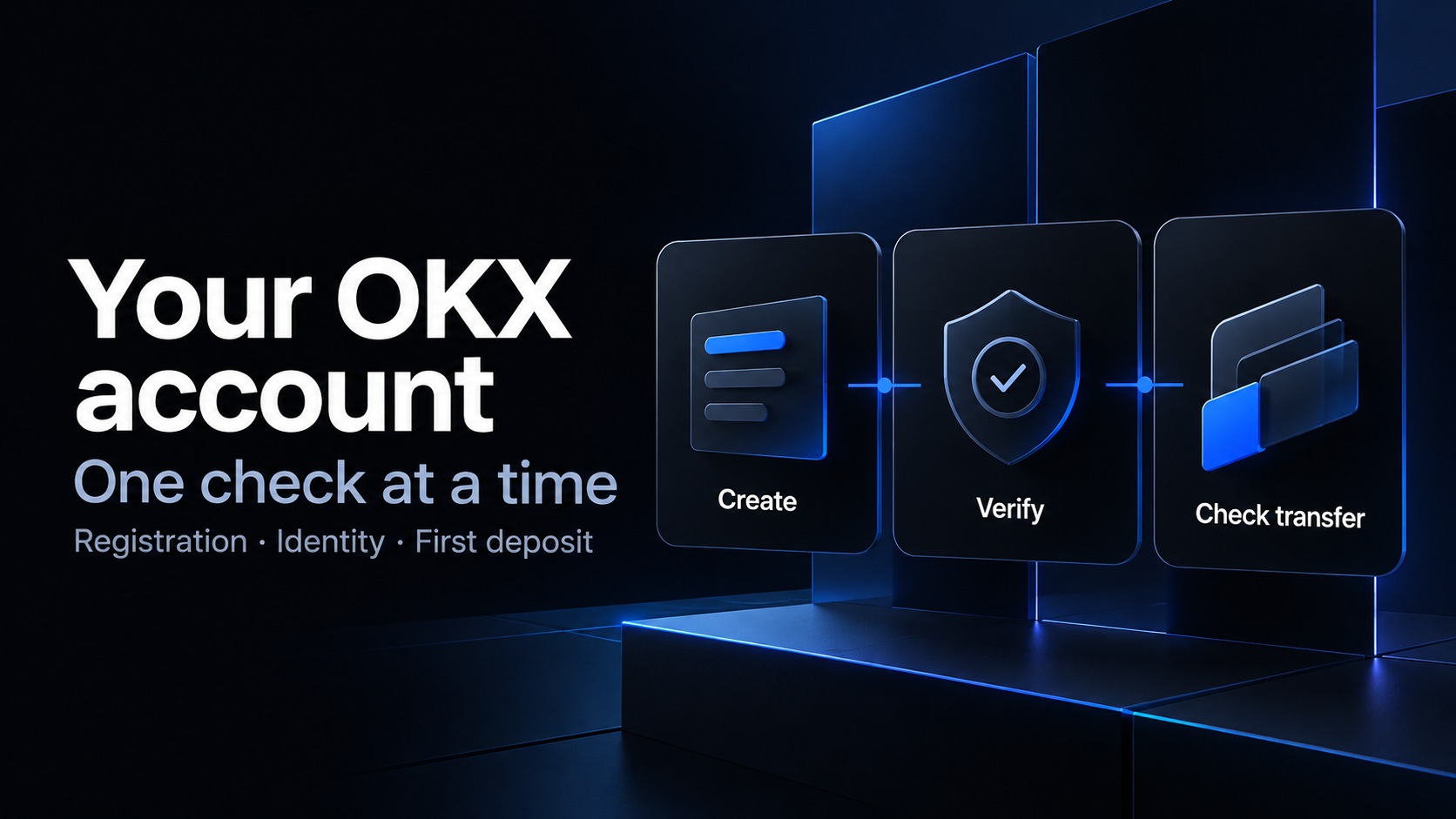
Table of contents
Already registered, or stuck on a setup step? This guide focuses on your OKX identity checks, account security and first-deposit troubleshooting. For a new account and current referral benefits, use our 2026 OKX signup guide.
Starting a new OKX account? Open OKX through TradeBoost. Review the referral benefit displayed for your account before completing registration. Check the referral on the registration screen. After setup, return to TradeBoost and connect your OKX UID. Registration and account linking do not require you to place a trade.
Opening an OKX account for the first time? You can prevent several common setup problems before you reach the deposit screen.
Start by confirming the service available in your country. Then review the referral field, create the account, and complete the verification it requires.
This OKX sign-up guide focuses on the exchange account and the checks before a first transfer. It doesn't assume every regional service has identical screens or products.
Checked October 28, 2026. Follow the current official instructions for the service shown to you.
What's the shortest useful checklist?
Before your first deposit ✅
- Confirm your country and regional OKX service.
- Review any referral offer before registration.
- Use an email address and phone number you control, as required by the flow.
- Complete the identity and account-security steps shown to you.
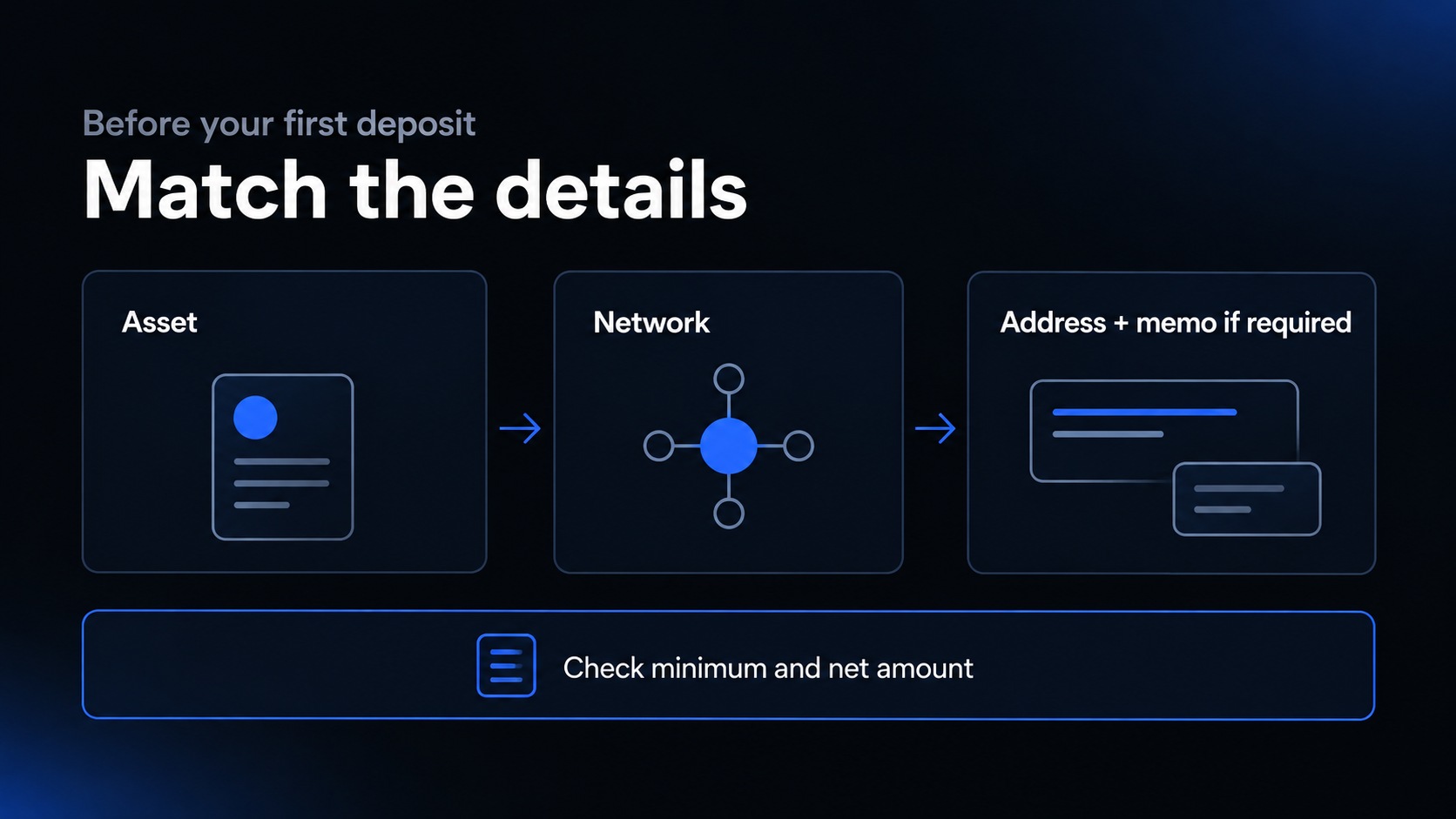
- Match the receiving asset, network, address, and any required memo.
- Check the minimum amount and arriving amount before sending.
Account creation, verification approval, and a credited deposit are separate events. Keep them separate when checking your progress.
Think of setup like arranging a delivery to an apartment building. The street address matters, but so does the correct apartment number when one is required.
A practical check 📊
Are you opening an OKX exchange account?
Confirm the product before following a tutorial. This article is about an OKX exchange account, rather than setting up a separate self-custody wallet.
A wallet tutorial can involve different recovery responsibilities and steps. Don't paste wallet recovery information into a registration or customer-support conversation.
Use the official site or official app download route. Check the domain and product name, especially if you arrived through an advertisement or a shared link.
Don't interpret a familiar color scheme as proof of authenticity. Read the address and the service information instead of relying on appearance.
If you already have an account, log in or use recovery. Starting again can create a second account without resolving the first account's identity or access issue.
Before choosing a referral offer, make sure you're still evaluating the exchange account you intend to use. A link to a different product isn't a substitute.
Why does your country selection come first?
OKX's registration guide begins with the country or region selection. The flow and agreements should correspond to your actual circumstances. OKX registration guide.
Don't select another location because a video shows fewer steps there. You need an account you can use under the relevant terms.
Read the regional service information and confirm your intended activity. A supported registration doesn't necessarily establish access to every product or payment method.
If you can't identify the service operating the account, resolve that before continuing. The brand alone doesn't answer a question about regional requirements.
Use official support for a specific eligibility question. Include the service and product you're asking about rather than requesting a general “yes” to the brand.
You're allowed to remove an option from your shortlist. A promotion doesn't make an unavailable service suitable for you.
What should you prepare before creating the account?
Use contact information that will remain available to you. Account notifications and recovery can become difficult if you register through an inbox you stop checking.
Have access to both your email and phone during the process. Follow the binding requirements shown by your regional registration flow.
Prepare a supported, valid identity document for the verification stage. Read the account's document requirements rather than assuming any photo ID will work.
Set up a private workspace where you can read the terms without rushing. Don't allow another person to control your device to complete the form.
If you intend to use an offer, open its conditions before you begin. Record the eligibility, tasks, expiry, and reward type separately from your login information.
A useful preparation note contains five fields: service, contact method, identity requirements, referral conditions, and intended funding route. Unknown fields tell you what to investigate.
Don't store passwords or one-time codes in that note. The purpose is to record decisions, not collect the information needed to access your account.
How do you register an OKX account?
For the current account-creation sequence and referral checks, follow the 2026 OKX signup guide. Continue here for identity, security and transfer checks after registration. Use only the official app or website, and keep verification codes private.
When should you enter the OKX referral code?
Review it during registration if you want to use an eligible referral arrangement. A code records the relationship; a separate offer defines any benefit.
OKX's referral FAQ says the relationship usually can't be added or changed after registration. Don't assume opening another link later will update it. OKX referral-program FAQ.
The FAQ also distinguishes the inviter's referral reward from the new user's welcome rewards. The two sides don't necessarily have matching tasks or amounts.
That distinction matters when a creator says, “This link earns a reward.” Ask which person earns it and under what conditions.
Check the current offer attached to your account, rather than assigning yourself the maximum shown on a public page. Save the relevant terms privately.
No code or specific reward amount is supplied in this article. Use a verified offer and inspect the registration details where the flow allows.
If you already registered, ask about your actual account status through official support. Don't create duplicate accounts to try to rewrite attribution.
For a clearer breakdown, read our referral-code, bonus, and cashback comparison.
What happens during identity verification?
A term worth knowing ✍️
KYC means Know Your Customer. It's an identity check, rather than an email confirmation or proof that a deposit belongs to you.
Open the identity-verification section in your official account and follow the tasks displayed there. Use your own accurate details and supported documents.
OKX's beginner guide places identity verification before funding. Its deposit guide also states that identity verification is required for deposits. OKX beginner guide, OKX deposit guide.
Treat the submission and review result as different stages. Read any request for additional information before assuming you've finished.
If a camera capture fails, first inspect the permissions, lighting, and exact on-screen error. Don't repeatedly change unrelated personal details.
If the account asks for additional documentation, use its official instructions. Don't send sensitive records to a private message from an alleged verification agent.
A verified status doesn't establish access to every product. Check the regional requirements for the actual activity you plan to use.
What if your identity is linked to another account?
Don't assume a new email address gives you a clean identity-verification record. The issue may involve the original account rather than the new contact method.
OKX publishes a multiple-accounts FAQ for situations where identity information is already associated with another account. Use the official recovery and support process. OKX multiple-accounts FAQ.
Write down the sign-in methods you may have used before. That can help you find the right account without creating more registrations.
If you can't access an old phone number, separate that recovery problem from any referral question. Fixing contact access doesn't automatically change attribution.
For a support request, include the error and relevant account context through the official secure channel. Don't publish identity images in a discussion forum.
The goal is to restore or clarify the correct account. A new promotion isn't a reason to bypass an existing identity association.
How should you secure the account before funding?
Review the security options currently offered in your account. Set a unique password wherever required, and enable the additional authentication available to you.
Protect the registered email inbox as well. It's part of the access and recovery chain, rather than a separate administrative detail.
Know how you'd recover access if your phone became unavailable. Keep backup information private and separate from screenshots you share for support.
Check any visible device or session list for activity you don't recognize. Investigate unexpected access before transferring funds.
Don't approve authentication prompts you didn't initiate. A legitimate-looking conversation doesn't make an unexpected login request yours.
These steps address account-access risks. They don't remove market volatility, platform risk, or mistakes in a blockchain transfer.
How do you find the right OKX deposit details?
Open Deposit in the official account and select the asset and supported network. Copy the receiving details from the resulting page.
OKX's address guide explains where the deposit address and any required tag, memo, or comment appear. Follow those live instructions. OKX deposit-address guide.
A memo can identify the recipient within a shared deposit system. It isn't an optional note when the receiving instructions require it.
Check the sending platform against those details. A matching ticker doesn't mean every available blockchain route is compatible.
Don't choose the network solely from the lowest sending fee. First establish that the receiver supports the same asset and route.
Also check the minimum, required confirmations, and any status notice. Don't rely on a saved screenshot if the current page has changed.
Use a current address rather than an example copied from an article. Your article can explain the process without containing a real destination for readers' assets.
How can you check the amount before sending?
Here's a fictional example. You plan to transfer 30 units, and the sending service deducts 1 unit from that amount.
Under that assumption, 29 units arrive. Compare the arriving amount with the minimum on your receiving page.
If a second example uses a 2-unit test with the same deduction, only 1 unit arrives. “Small test” doesn't mean “automatically above the minimum.”
Those figures are arithmetic examples, not OKX rates or suggested deposit sizes. Check the actual fees and limits in your account.
Read the final sending summary before confirming. Inspect the full destination details and any memo, rather than only the amount.
Keep the transaction reference afterward and check the receiving history. Required processing or confirmations can separate the send from the credit.
Don't repeat the transfer while investigating an unexplained delay. Start with the transaction already in progress.
What if a welcome offer requires a deposit?
Read the campaign rules before sending anything intended to qualify. A successful account deposit and a qualifying promotional deposit can be different things.
OKX's beginner guide notes that campaign enrollment can be required before a deposit counts. Check the terms of your specific offer. OKX beginner guide.
Record the qualifying source, amount definition, enrollment time, deadline, and reward form. Don't assume an internal transfer counts the same as an external deposit.
If the rules don't explain that distinction, ask official support before assigning a value to the reward. Missing conditions aren't evidence of an unrestricted offer.
Don't make additional transfers or trades just because a campaign progress bar is incomplete. Investigate the definition of the task first.
A larger account balance doesn't make a reward certain. Eligibility and completion still depend on the published conditions.
What do new users usually ask?
Can I create an OKX account without a referral code?
The cited registration guide describes the field as optional. A particular promotion can still have its own attribution and eligibility requirements.
Can I add a referral code after signing up?
The cited FAQ says the relationship usually can't be added or changed after registration. Check before submitting rather than assuming a later fix.
Do I need identity verification before depositing?
OKX's cited deposit guide says yes. Follow the current identity and account requirements shown by your regional service.
Why does the token name match but the transfer still need checking?
The network and receiving instructions also matter. A token ticker doesn't identify the entire transfer route or any required memo.
Where can I compare other account guides?
Read our Bitget, Bybit, and OKX comparison, Bitget registration guide, and Bybit registration guide.
What should you do next?
Complete the required identity and security checks, then review the receiving details before any transfer. Keep campaign tasks separate from basic account setup.
If a step is unclear, resolve that specific question before continuing. You don't need to fund an account to prove that registration worked.
If you're also evaluating fee cashback, review account eligibility and current terms on TradeBoost.
Affiliate disclosure and risk notice
TradeBoost is a fee-cashback service and may earn referral compensation through eligible arrangements. This guide doesn't promise a bonus, attribution change, fee rate, or rebate.
Crypto assets are volatile, and you can lose your entire principal. Leveraged products can amplify losses. This article is for informational purposes only, isn't investment advice, and doesn't recommend a specific exchange. Check current regional policies, account requirements, and transfer instructions before proceeding.
What TradeBoost is
TradeBoost is a third-party affiliate-rebate service that returns a portion of exchange affiliate commissions to users as USDT on Arbitrum One. TradeBoost is not an exchange, broker, custodian, or investment service, and does not provide trading, custody, or financial advice.
General disclaimer
This article is for informational purposes only. All trading occurs on third-party exchanges under their terms. Trading and investment decisions should be made based on your own judgment and risk tolerance.
Related articles
 exchange-guides
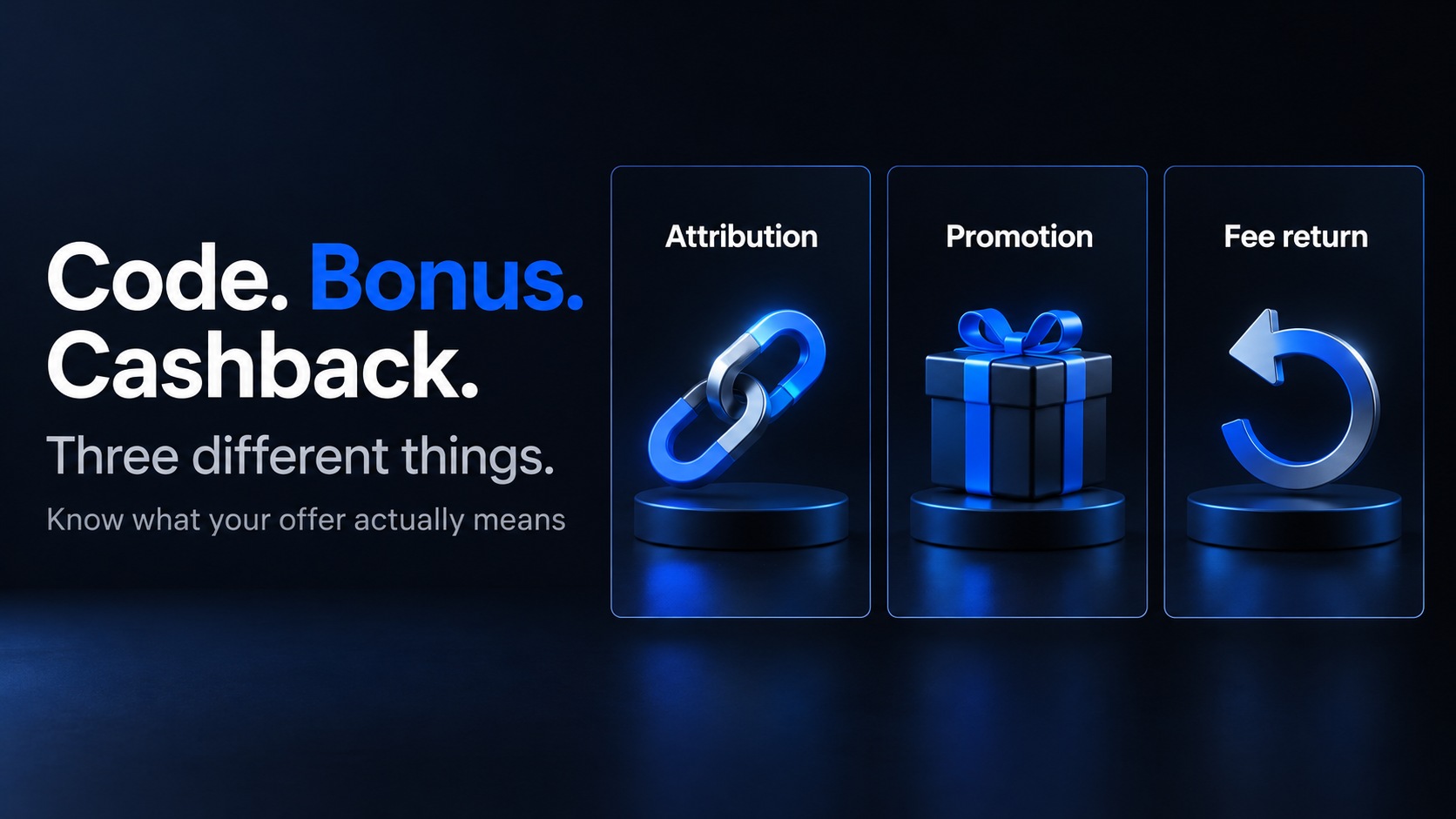
Crypto Referral Codes, Welcome Bonuses and Cashback
Understand crypto referral codes, welcome bonuses, fee discounts and cashback. Compare eligibility, reward types and payout terms before signing up.
TradeBoost Editorial 12 min read 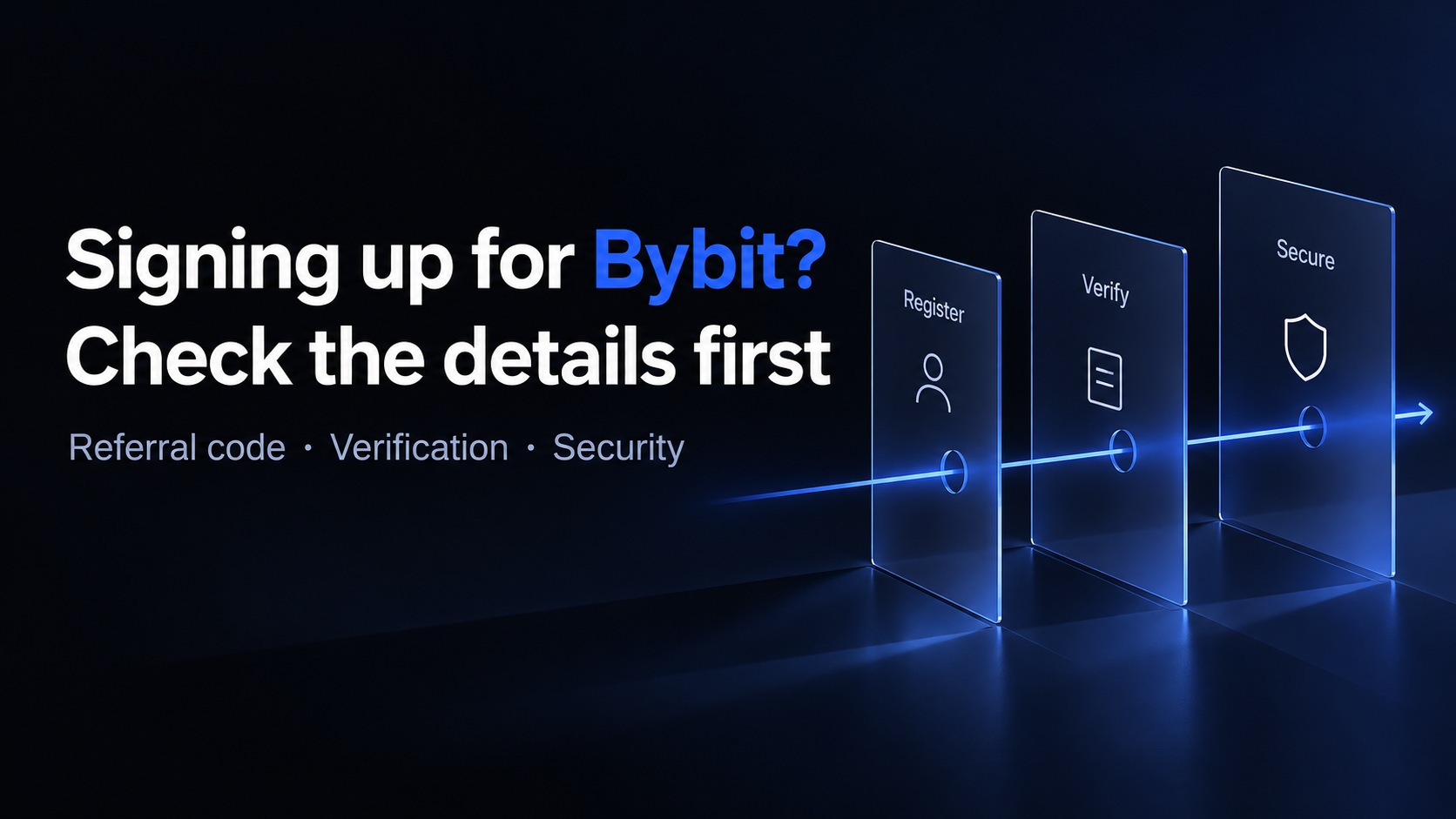 exchange-guides
Bybit Sign Up Help: KYC, Security and Deposit Checks
Already registered or stuck setting up Bybit? Check identity verification, account security and deposit details, with the current TradeBoost signup route.
TradeBoost Editorial 11 min read  exchange-guides
Bitget vs Bybit vs OKX: Before You Sign Up
Compare Bitget, Bybit and OKX before signing up. Check regional access, verification, referral terms and first-deposit requirements.
TradeBoost Editorial 12 min read