
Bybit Sign Up Help: KYC, Security and Deposit Checks
 TradeBoost Editorial LinkedIn 11 min read #exchange-guides #registration #kyc #referral #crypto-education
Table of contents
Already registered, or stuck on a setup step? This guide focuses on your Bybit identity checks, account security and first-deposit troubleshooting. For a new account and current referral benefits, use our 2026 Bybit signup guide.
Starting a new Bybit account? Open Bybit through TradeBoost. Review the referral benefit displayed for your account before completing registration. Check the referral on the registration screen. After setup, return to TradeBoost and connect your Bybit UID. Registration and account linking do not require you to place a trade.
About to create your Bybit account? Check the referral-code field before you submit, because you can't assume you'll be able to change it later.
That's one detail a quick registration tutorial can skip. Another is the regional service you actually join. A guide describing a global account may differ from the flow shown to you.
This Bybit sign-up guide covers those decisions, the registration sequence, identity verification, and the checks before funding. You don't need to place a trade to finish reading it.
Checked October 28, 2026. Follow the current official account instructions when a screen or requirement differs.
What's the short answer?
Your account setup checklist ✅
- Confirm your country and the regional service shown to you.
- Review any referral relationship before registering.
- Create the account using your own contact information.
- Complete the identity verification required by that service.
- Secure access and check the deposit route before transferring assets.
Account creation isn't the finish line. It's one stage in establishing an account whose access, requirements, and recovery process you understand.
Think of it like booking a ticket. Choosing a route, entering the passenger details, and checking in are related steps, but one doesn't complete the others.
A practical check 📊
Which Bybit service are you joining?
Start at the official site and enter your real country of residence. Don't follow a screenshot that selects another country simply because the tutorial does.
Bybit's current registration guide says users may be redirected to a regional site or shown a restricted-country notification. Follow that routing rather than trying to preserve another region's flow. Bybit registration guide.
The regional entity matters because product access and account requirements can differ. An article's “Bybit” label doesn't identify every service available under the brand.
Before continuing, write down the domain, service name, and intended product. If the service doesn't support your needs or eligibility, stop there.
Don't treat an accessible marketing page as confirmation that a particular product is available. Verify the intended activity in the actual regional account documentation.
This guide doesn't recommend using a different location, identity, or access method to get around a restriction. Accurate onboarding information is part of the account setup.
If the official redirect surprises you, ask a specific question through official support. “Does this regional account support this product for my circumstances?” is a useful starting point.
Should you use an invitation or referral code?
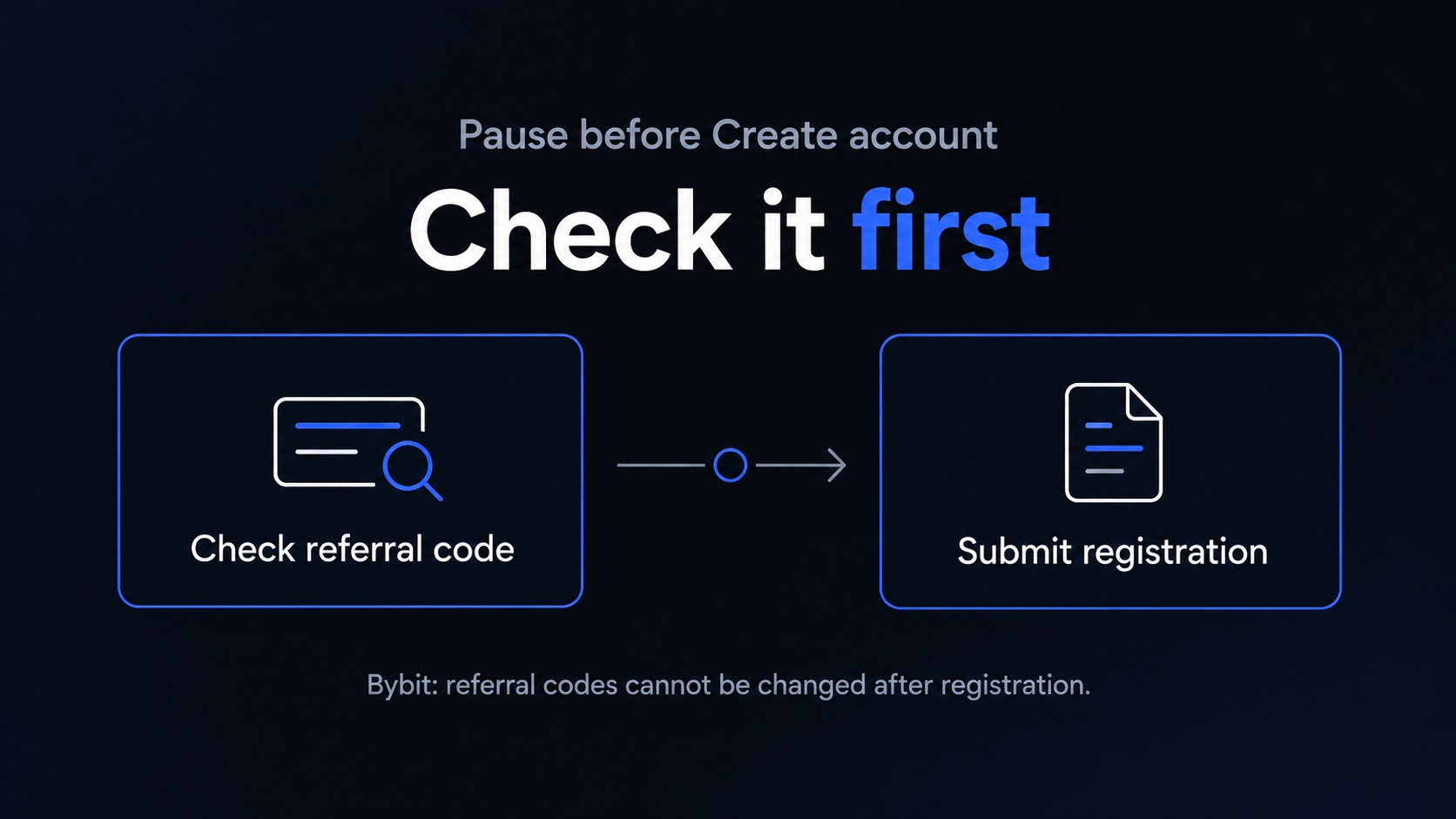
A referral code is optional for account creation under Bybit's published account FAQ. You can register without one if you don't intend to use an eligible referral arrangement.
The same FAQ says you can't add, remove, or change an account's referral code after registration. That makes the registration review the important moment. Bybit account-settings FAQ.
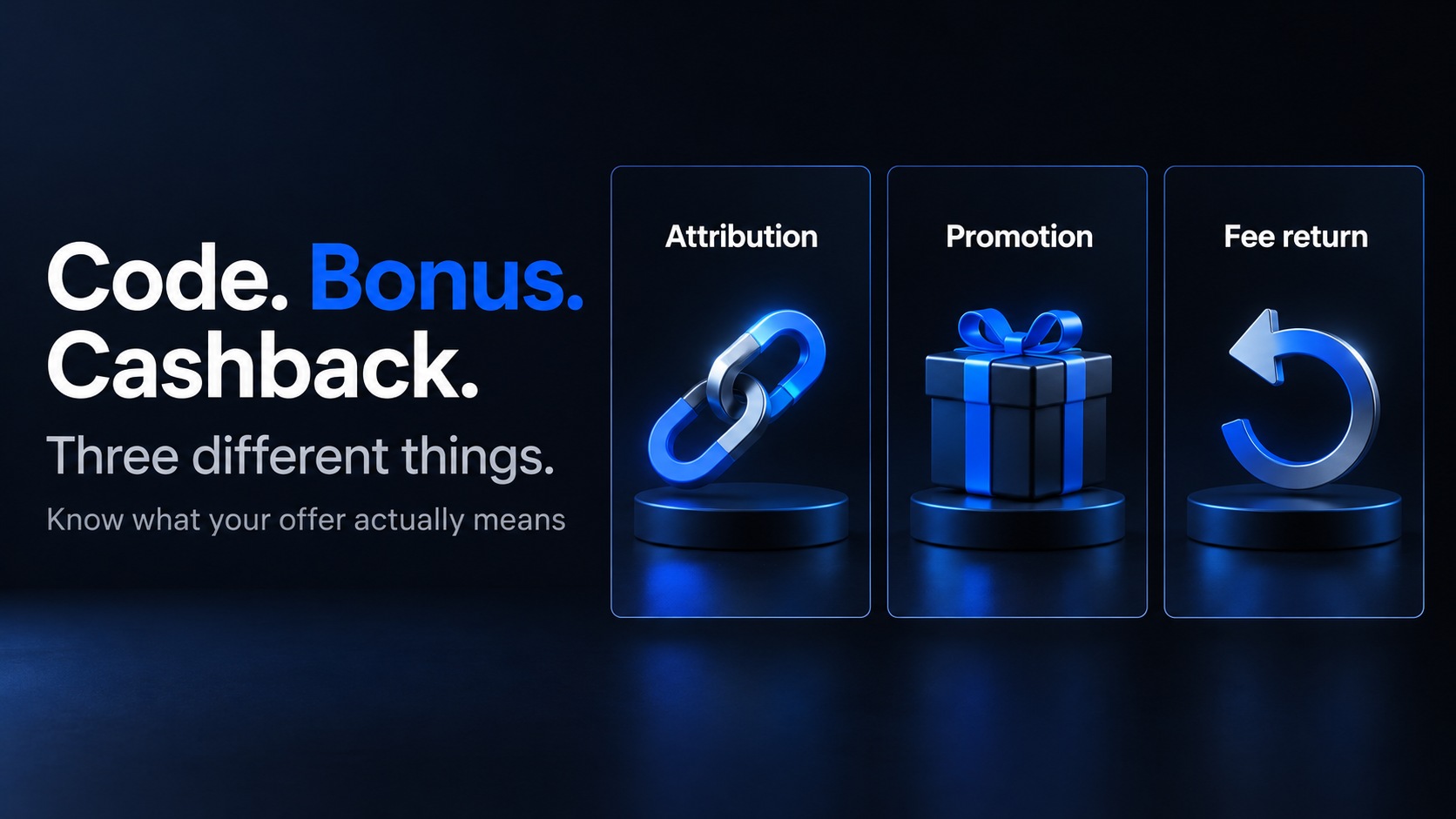
Don't interpret a referral code as a fixed reward. It records attribution, while any associated benefit depends on the offer's separate conditions.
Before using a link, confirm who supplied it, which service it leads to, and what benefits are actually stated. Don't use a code copied from an unrelated campaign.
Read the offer's region, account-age, and task conditions. A new-user promotion isn't automatically available to an account you opened earlier.
If a field is prefilled, review it where the flow allows. If the source and displayed details disagree, resolve that before submitting the form.
You don't need to rush because someone says their code expires shortly. An unexplained offer isn't improved by a countdown.
For the distinction between attribution and rewards, see our referral-code, bonus, and cashback guide.
How do you create the account?
For the current account-creation sequence and referral checks, follow the 2026 Bybit signup guide. Continue here for identity, security and transfer checks after registration. Use only the official app or website, and keep verification codes private.
What if your email or phone already has an account?
Use account recovery before assuming you need a new registration. A forgotten login and an unavailable service are different problems.
Make a short private list of the sign-in methods you may have used. That can help you distinguish an email login from a linked social account.
Don't repeatedly submit new registrations with small variations of the same details. You may make it harder to identify the original account you need.
If you can't access the registered contact method, use the official recovery instructions. Don't send an ID document to a person messaging you privately.
For a support request, describe the issue without including your password, verification code, or authenticator setup secret. Use the official secure process for any requested documents.
A referral provider can't promise to rewrite platform records simply because you now prefer another offer. Keep account recovery separate from attribution questions.
What identity verification does Bybit require?
A term worth knowing ✍️
KYC means Know Your Customer. It's the identity-verification process, separate from proving access to an email address or phone.
Bybit's individual KYC FAQ states that at least Standard verification is mandatory for its products and services. It notes that some regions or services can require more. Bybit individual KYC FAQ.
Check the requirements shown by the service you're actually using. Don't assume a global help-page label maps perfectly to a regional account.
Prepare a supported, valid document and enter your legal information consistently. Read any country-specific instructions before capturing images.
If a facial capture is requested, follow the on-screen positioning and lighting instructions. Don't upload edited photos to conceal a mismatch.
Submission doesn't mean approval. Check the account's result and any request for more information before considering the identity step complete.
A useful record contains the submission date, current status, and exact error message if one appears. You don't need to scatter identity images across multiple devices.
If a previous account is associated with your identity, use the official resolution process. Creating another email address won't resolve an identity-level restriction by itself.
How should you prepare account security?
Secure the inbox used for registration before depositing. A strong exchange password won't help enough if your recovery inbox is exposed.
Then review the authentication methods available in your account. Two-factor authentication adds another verification step beyond the password.
Keep the recovery process understandable. Know where backup information is stored and how you'd respond if your phone became unavailable.
Bybit's on-chain withdrawal instructions state that email and Google Authentication are required for that process. Review the current instructions for your own service before funding. Bybit on-chain withdrawal guide.
Don't share a password, one-time code, or authenticator secret with someone offering to complete setup. You should control every account-access step.
Check unfamiliar devices and sessions in the security area if that information is available. Resolve unexpected activity before adding assets.
Security setup isn't a guarantee against loss. It addresses account access, while market, platform, and transfer risks remain separate.
What should you inspect before making a deposit?
Choose the exact asset you intend to transfer and open its receiving deposit instructions. Don't start with the sending platform's cheapest network.
A network is the blockchain route carrying the transfer. The same token name can appear on several routes, and both ends must support your selected one.
Bybit's deposit FAQ directs users to the account deposit interface for supported coins, chains, and required confirmations. Follow the live instructions for the transfer method. Bybit on-chain deposit FAQ.
Check the address and any tag or memo, plus the minimum amount and account restrictions. Don't infer support from an address that merely looks familiar.
A fictional planning example: you intend to send 50 units, and the sender deducts 1 unit. Your receiving amount would be 49 under that assumption.
Compare that net amount with the receiving minimum. The example isn't a Bybit fee quote or a recommended transfer size.
If you choose a test transfer, make sure it satisfies the receiving rules. A test below the minimum may not provide the confirmation you expected.
Record the transaction reference and check the receiving deposit history. Keep any promotion-related qualifying conditions in a separate checklist.
Does “sent” mean the funds are ready to use?
Not necessarily. The sender's status, blockchain processing, and receiving credit describe different stages.
Check the actual receiving account and any required follow-up. If a message requests more information, use the official account flow.
Bybit's deposit FAQ notes that some users may need Travel Rule verification based on local requirements. That's a separate information check, rather than proof your original transfer failed. Bybit deposit FAQ.
Don't resend the funds because the first credit is slower than a video demonstration. Start with the transaction reference and the current status.
For support, keep the asset, chain, amount, reference, and relevant timestamps together. That record is more useful than a cropped screenshot without context.
Don't pay a stranger an extra “activation deposit” to release an unexplained transfer. Investigate through the official service you used.
What about welcome rewards and deposit tasks?
Treat them as separate offers after you understand the account. Registration itself doesn't require you to chase a reward.
Check whether the offer applies to your regional account and whether you need to enroll before an activity. Read the reward's form and expiry.
A displayed maximum can include several tasks. Don't treat it as a cash balance credited simply for creating an account.
If a task involves trading, compare the required activity with your original plan. The reward doesn't remove commission, market exposure, or other costs.
Use a small worksheet with the task, deadline, qualifying amount, reward type, and status. Keep “advertised,” “qualified,” and “received” in separate columns.
For example, a fictional offer showing a 20-unit trading credit isn't necessarily equivalent to receiving 20 withdrawable units. The terms decide how it works.
Don't trade more to make the registration feel worthwhile. You can finish setting up an account and decide not to use a promotion.
Which problems belong in which support request?
A precise description helps you avoid repeating unrelated steps. Use the stage where the issue appears.
| Problem | What to check first |
|---|---|
| Country redirect | Correct regional service and eligibility |
| No verification message | Contact details, filtered messages, current resend flow |
| Already registered | Sign-in method and account recovery |
| Identity rejection | Exact document or status message |
| Missing deposit | Asset, network, reference, receiving status |
| Referral disagreement | Registration details and published attribution rules |
Don't attach confidential information to a public discussion thread. Use the service's secure channel for anything sensitive.
What do readers usually ask?
Can I add a Bybit referral code after registration?
The cited account FAQ says codes can't be added, removed, or changed after registration. Review the field before submitting a new account.
Can I create the account without an invitation code?
Yes, the cited FAQ describes the field as optional. A particular promotion may still require specific attribution or enrollment conditions.
Does passing KYC mean every product is available?
No. Check regional and product requirements separately. An approved identity isn't a universal permission to use all services.
Do I need a deposit to understand the account?
You can review requirements, security, and terms before funding. Don't send assets just to find out which conditions apply.
Where can I compare alternatives?
Read our three-exchange comparison, Bitget sign-up guide, and OKX account guide. Compare the same intended activity across eligible services.
What's a useful stopping point for setup?
You've identified the regional service, reviewed attribution before registration, and completed the required account checks. You also understand the funding and recovery routes.
That's a useful setup outcome even if you haven't transferred money or claimed a reward. There's no need to turn registration into a trading target.
If fee cashback is part of your comparison, review your account's eligibility and the current terms on TradeBoost.
Affiliate disclosure and risk notice
TradeBoost is a fee-cashback service and may earn referral compensation through eligible arrangements. This guide doesn't guarantee a bonus, fee discount, attribution change, or rebate.
Crypto assets are volatile, and you can lose your entire principal. Leveraged products can amplify losses. This article is for informational purposes only, isn't investment advice, and doesn't recommend a specific exchange. Check current regional policies and account requirements before proceeding.
What TradeBoost is
TradeBoost is a third-party affiliate-rebate service that returns a portion of exchange affiliate commissions to users as USDT on Arbitrum One. TradeBoost is not an exchange, broker, custodian, or investment service, and does not provide trading, custody, or financial advice.
General disclaimer
This article is for informational purposes only. All trading occurs on third-party exchanges under their terms. Trading and investment decisions should be made based on your own judgment and risk tolerance.
Related articles
 exchange-guides
Crypto Referral Codes, Welcome Bonuses and Cashback
Understand crypto referral codes, welcome bonuses, fee discounts and cashback. Compare eligibility, reward types and payout terms before signing up.
TradeBoost Editorial 12 min read  exchange-guides
OKX Sign Up Help: KYC, Security and Deposit Checks
Already registered or stuck setting up OKX? Check identity verification, account security and deposit details, with the current TradeBoost signup route.
TradeBoost Editorial 12 min read  exchange-guides
Bitget vs Bybit vs OKX: Before You Sign Up
Compare Bitget, Bybit and OKX before signing up. Check regional access, verification, referral terms and first-deposit requirements.
TradeBoost Editorial 12 min read